Document Your Blueprints
Right Where You Work
Integrated Markdown notes inside Unreal Engine editors.
Integrated Markdown notes inside Unreal Engine editors.
A powerful Unreal Engine plugin that brings Markdown editing directly into your workflow. Write documentation, create clickable links to nodes and assets, and keep your project organized—all without leaving the editor.
Works seamlessly in Blueprint, Material, Behavior Tree, Animation Blueprint, and Niagara editors.
Write Markdown with syntax highlighting and see the formatted result in real-time. Switch between Split, Editor, or Preview modes to match your workflow.
Create clickable links to jump directly to any node or asset in your project. Perfect for documentation and quick navigation.
node:// links to Blueprint nodes, Material nodes, BT nodesasset:// links to any project assetAccess the Notes panel from the toolbar in all major Unreal Engine editors.
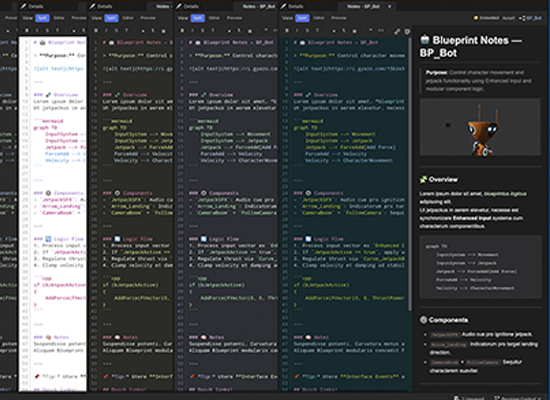
Choose from 9 built-in themes or create your own custom theme with 10 configurable colors.
Choose between embedded notes or external .md files to match your team's workflow.